Design Workflow Blog

Email design and dev

#web #landing-pages #email #forms

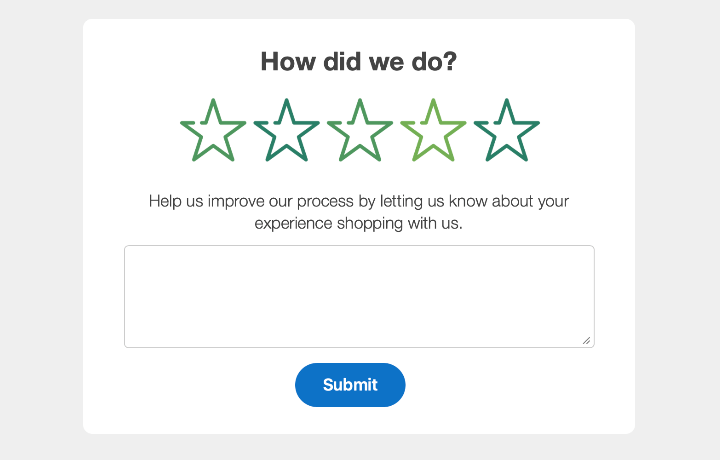
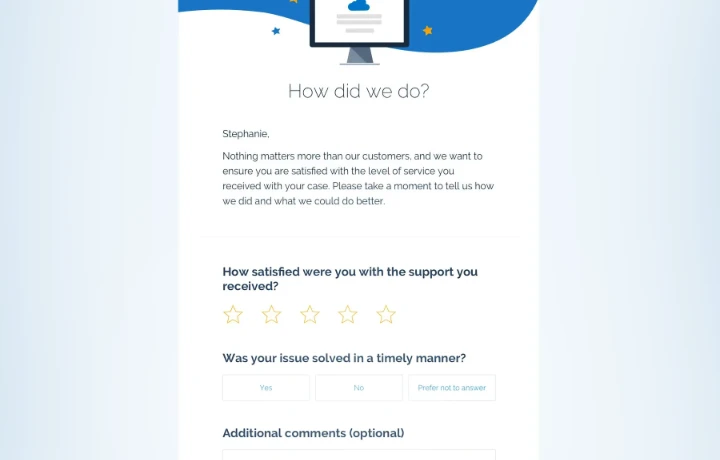
Example email with a feedback form.

When to use forms in email

Deciding to use a form in an email and the best way to do it.
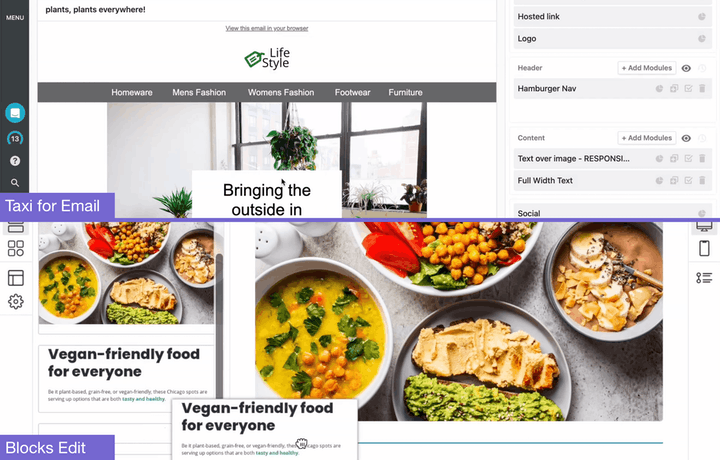
Screenshots of Blocks Edit and Taxi for Email.

Switching from Taxi for Email

Transitioning your design system from Taxi for Email to Blocks Edit.
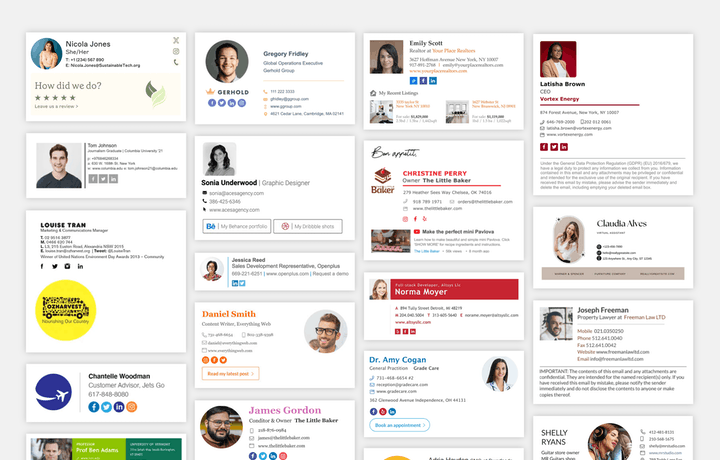
Different examples of email signatures.

Email signature essentials

What to consider putting in an email signature and how to setup in your email client.

Example code of the same design, one side coded with legacy email support, the other with modern techniques.

Modern email design

What to look forward to after the legacy Outlook for Windows rendering engine.
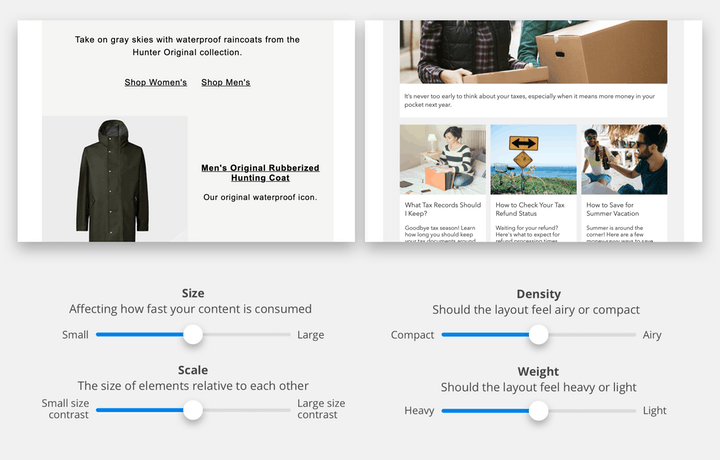
An example of two types of designs that utilize size, scale, density, and weight differently.

The design of a design system

Maintaining your design system and keeping it creative.
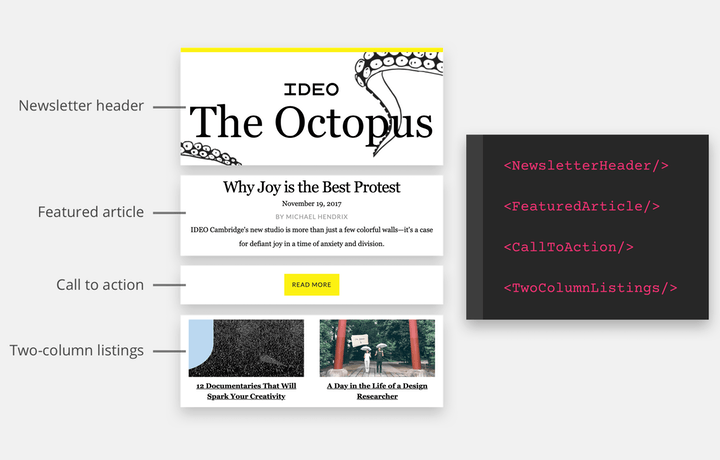
An illustration of example design system components broken down.

Rolling out your design system

Auditing current patterns and workflows and having your team join in the process.
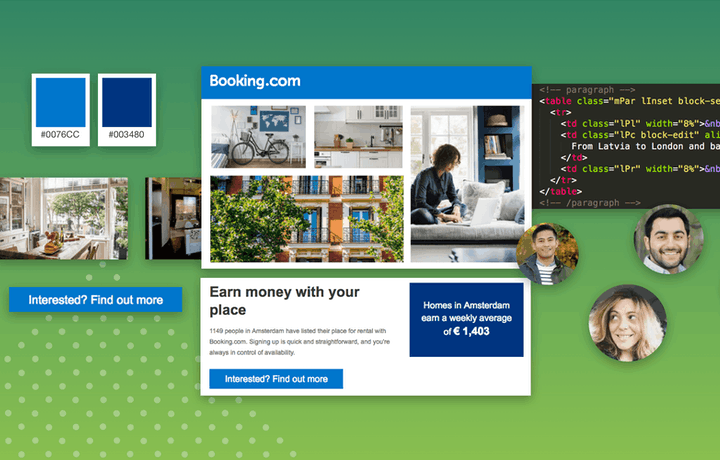
An illustration of the pieces of a design system: colors, photos, components, and code.

A primer on design systems

Why you should have one and the main aspects that should be included.
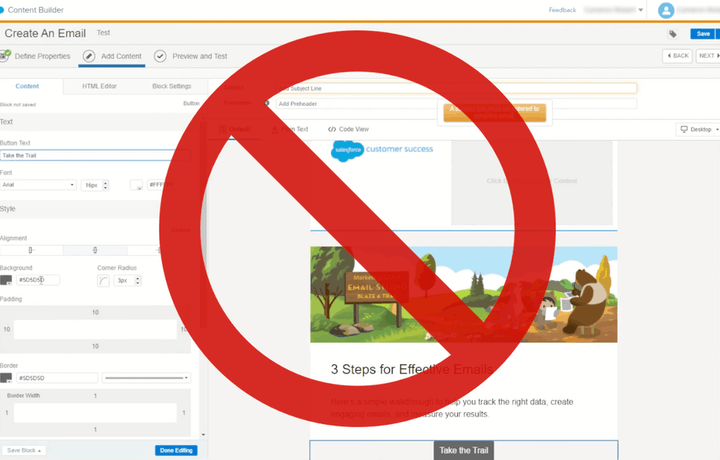
Saleforce Content Builder screenshot with a cross over it.

Salesforce content editor alternative

Building emails and pages using a visual editor that connects to Salesforce Marketing Cloud Content Builder and CloudPages.
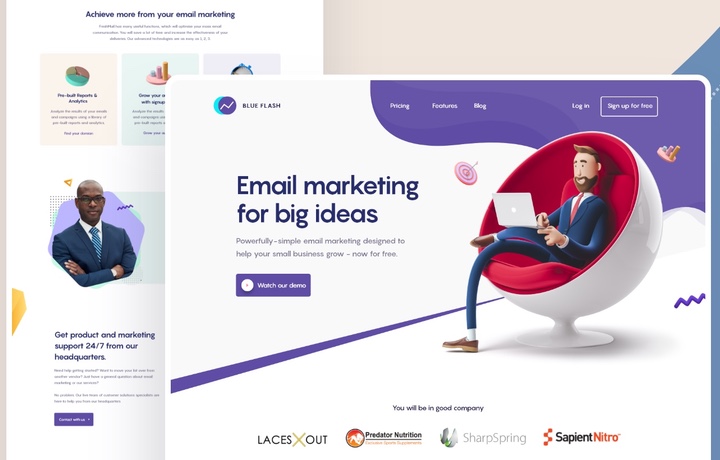
An example of an email, and its landing page.

Emails with landing pages

The most effective way to gain audience interest, and conversions.
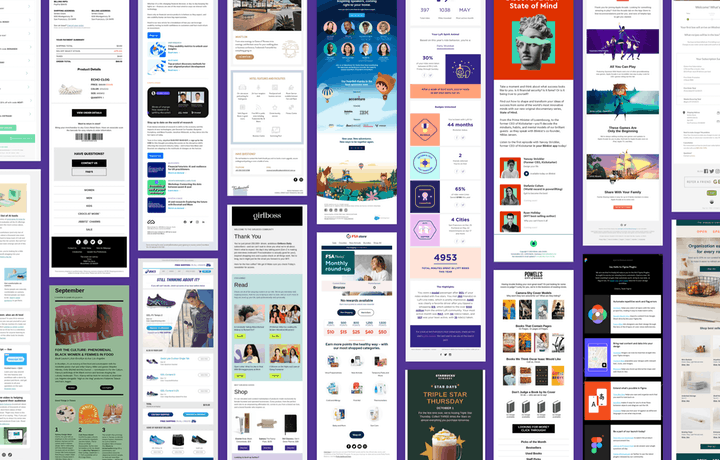
A collage of different kinds of marketing emails.

54 marketing emails to send out

Have all your bases covered by referring to this list of email types, with usage summaries and design examples.
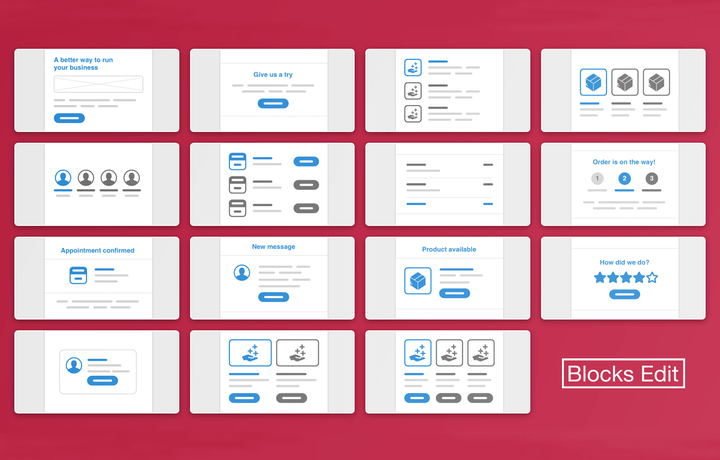
Abstract icons of 15 commonly used email design patterns.

Starter email components theme

Featuring 10 standard email templates built from common design patterns that come from referencing hundreds of real-world emails.
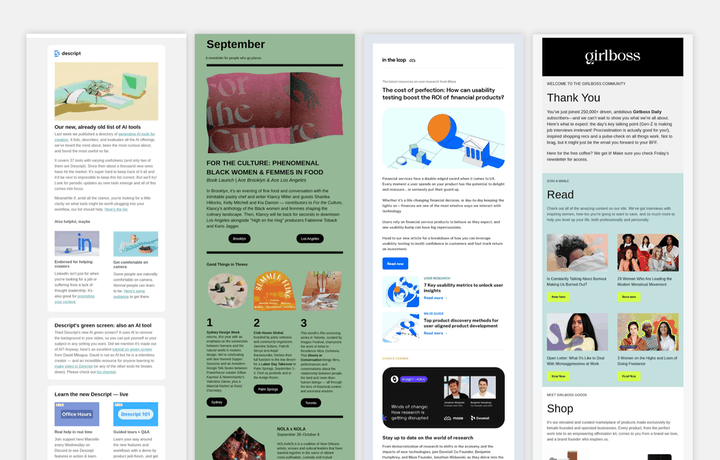
Different examples of newsletter emails.

Newsletter email essentials

Newsletters are by far the most popular type of email sent out, meant to keep your readers in the know with news and updates.
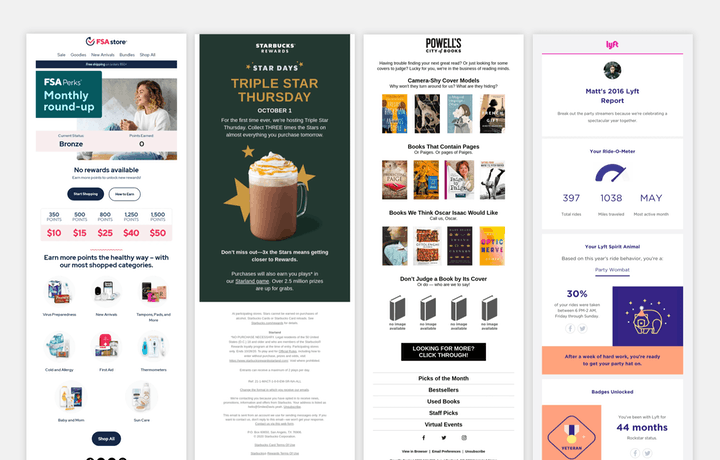
Different examples of engagement emails.

Engagement email essentials

Loyalty program notifications, product recommendations, and triggered emails for keeping customers engaged.
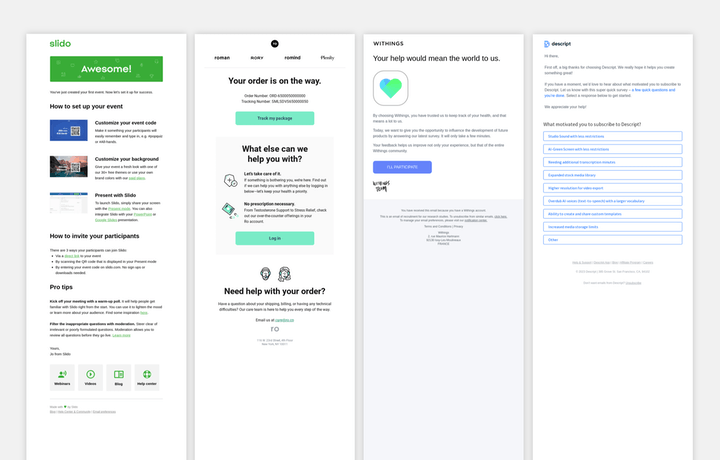
Different examples of helpful emails.

Helpful email essentials

Providing instructions, offering support options, and asking for feedback on your customer’s overall experience.
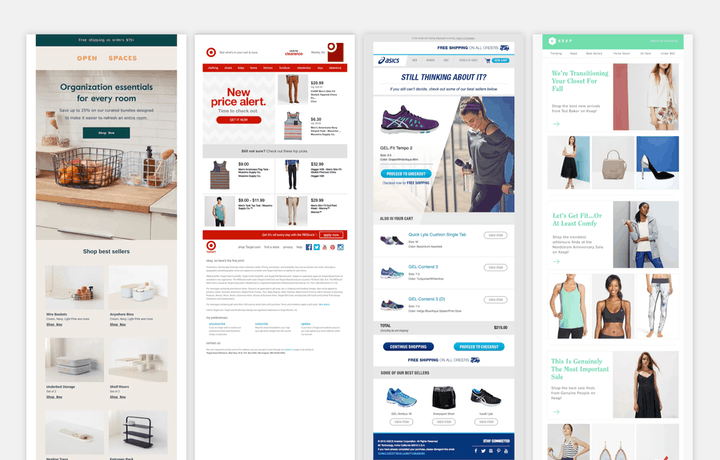
Different examples of promo/e-commerce emails.

Promo/e-commerce email essentials

Sales and special offers for your customers, upselling, and abandon cart techniques.
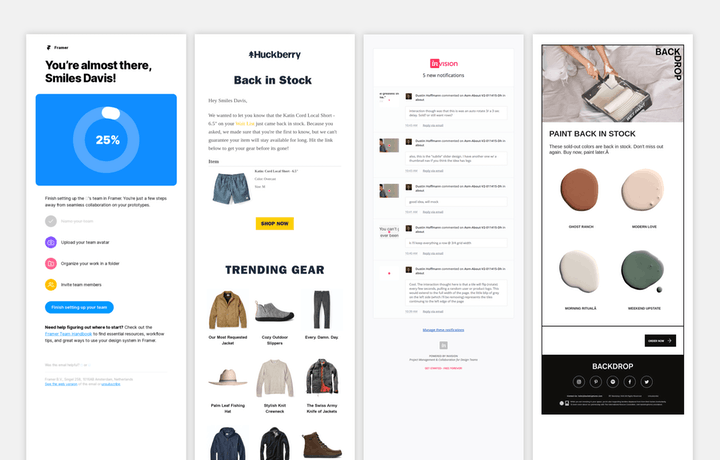
Different examples of notification emails.

Notification email essentials

Before SMS and phone notifications, there were emails, and they are still the most effective way for your customers to get important, timely, notices.
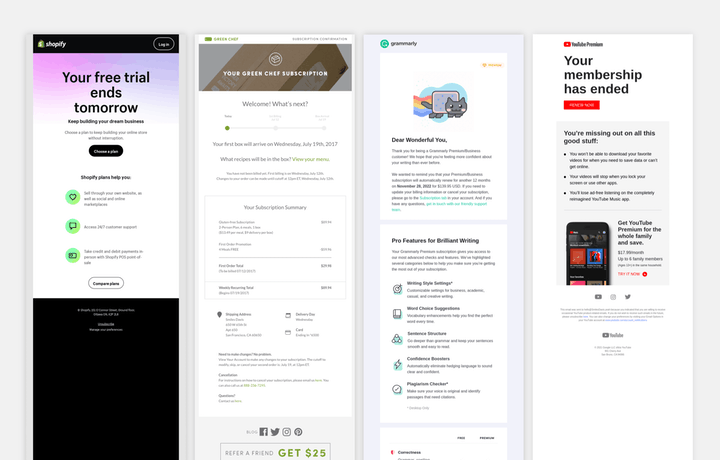
Different examples of subscription and payment emails.

Subscription and payment email essentials

Important member management options and recurring payments.
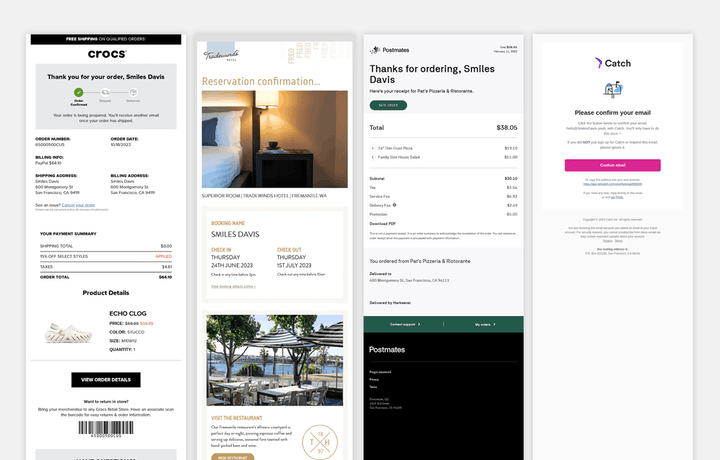
Different examples of confirmation emails.

Confirmation email essentials

Confirmation emails are some of the most widely read, and are often saved to be referenced at a later time.
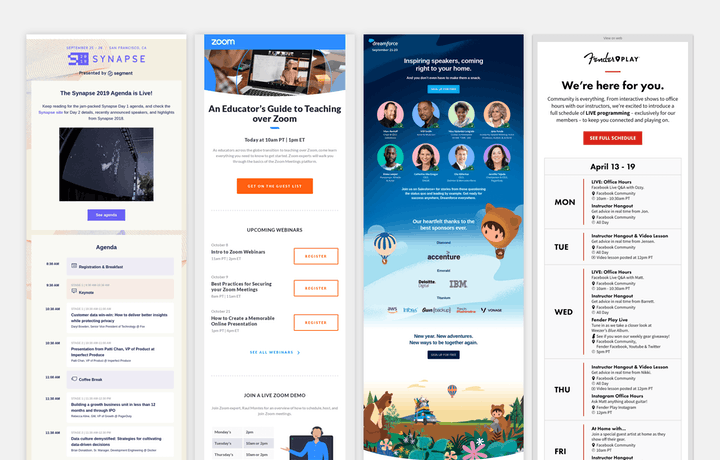
Different examples of event emails.

Event email essentials

If you hold an event, email is a great way to inform your audience about it and set their expectations.
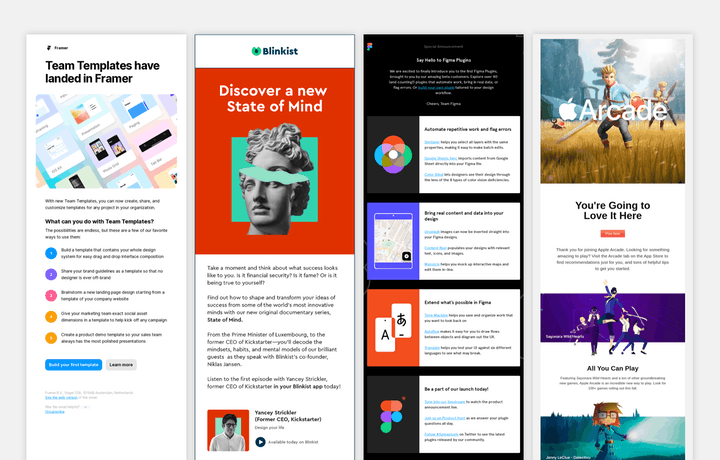
Different examples of announcement emails.

Announcement email essentials

If you’re launching something new, why not let your valuable subscribers in on the news?
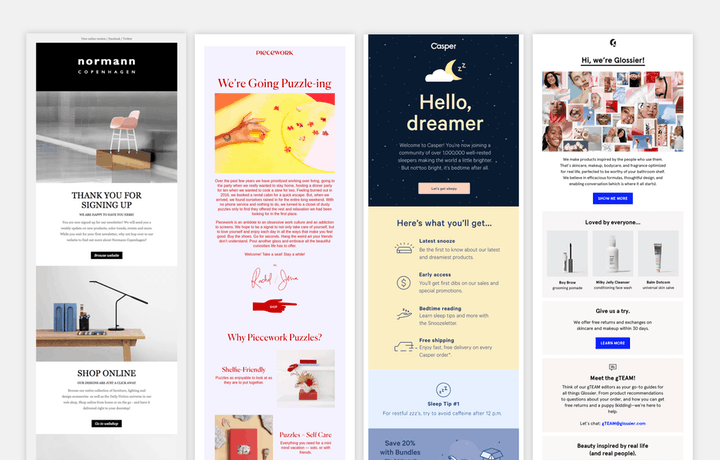
Different examples of welcome/onboarding emails.

Welcome/onboarding email essentials

The welcome email has the highest open and click-through rates, use it well!
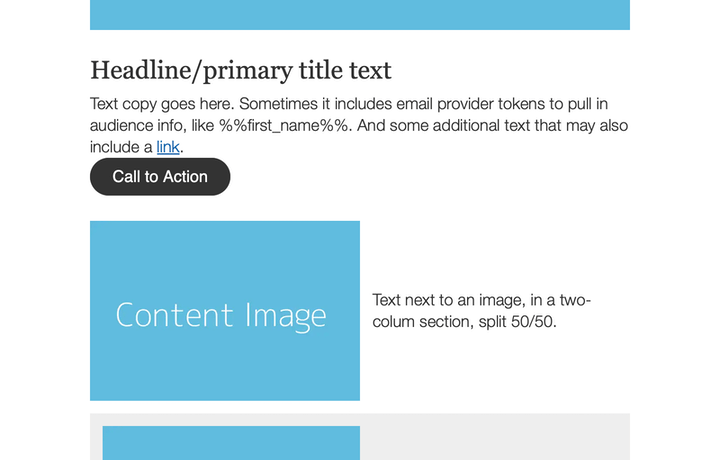
An email template shown with various spacing examples.

Template technique: handling spacing

Maintaining consistent spacing in an email layout.
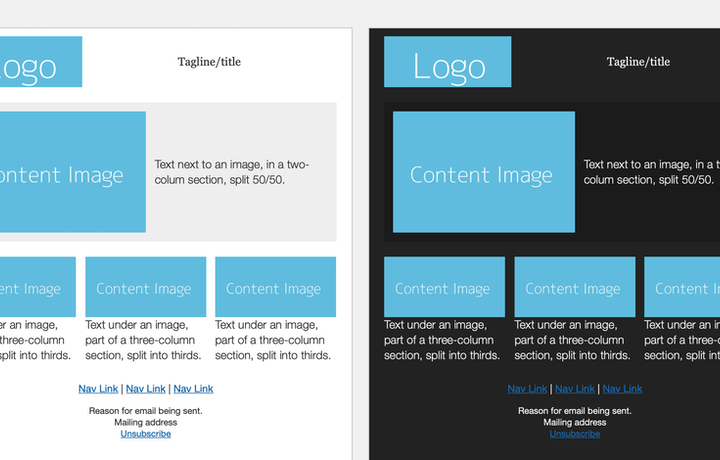
An email template shown, and its dark mode version.

Template technique: levels of email dark mode

How to prepare your template for email clients and their dark mode affects.
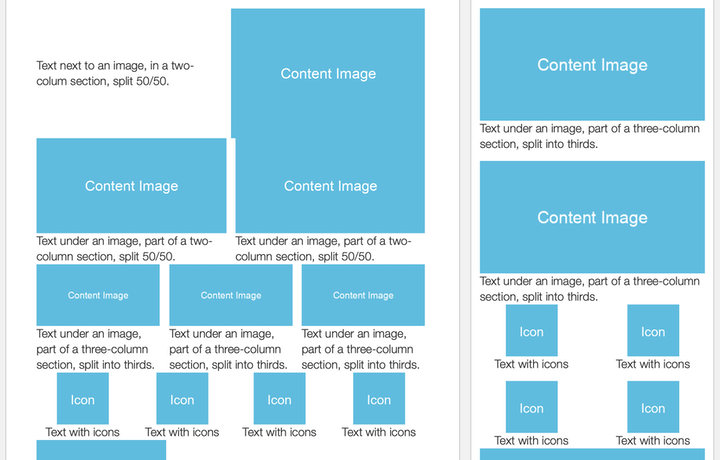
An email template shown for desktop and for mobile.

Template technique: automatic mobile layout

Simple code for globally adjusting any column in an email template for mobile.

Outlook logo on top of a broken window.

Letting go of Outlook for Windows

No more tables, no more VML, no more Outlook’s dirty code!
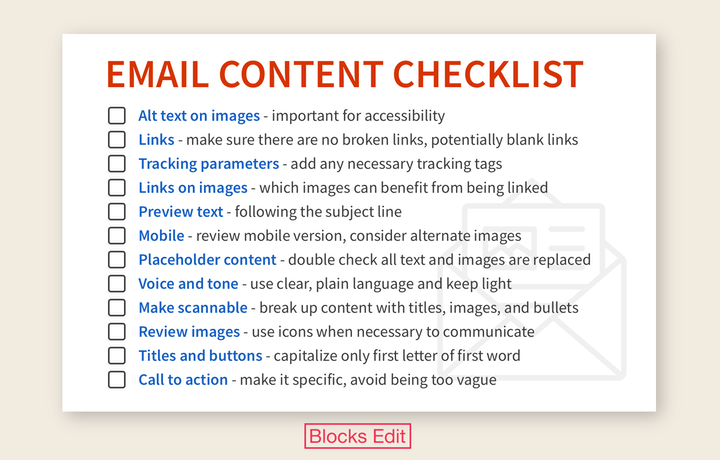
A list of 12 reminders to help with reviewing email content: Alt text on images, links, tracking parameters, links on images, preview text, mobile, placeholder content, voice and tone, make scannable, review images, titles and buttons, call to action.

Why you should have an email content checklist

And 12 essential items you should include on your checklist.
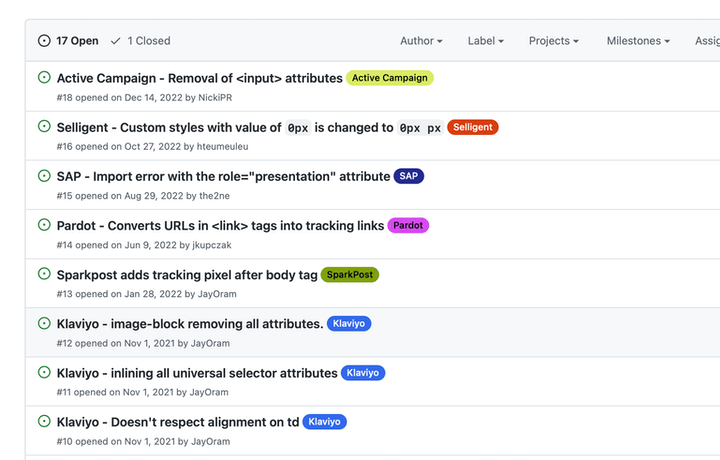
Listing of reported email code issues from various email providers.

How code is handled by email providers

Ways that email providers mess with your code and what to do about it.
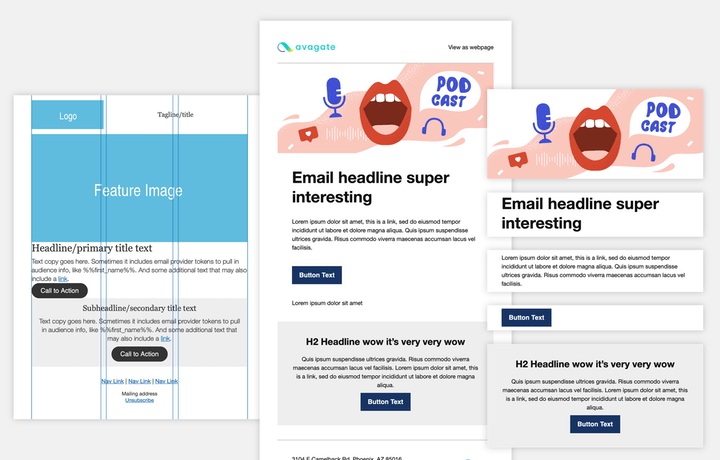
An email design going from structural wireframes, to including branded elements, to layout modules being used.

Modular design technique: the 3 phases of template design

The design phases towards turning your email design into a design system: structure, branding, modules.
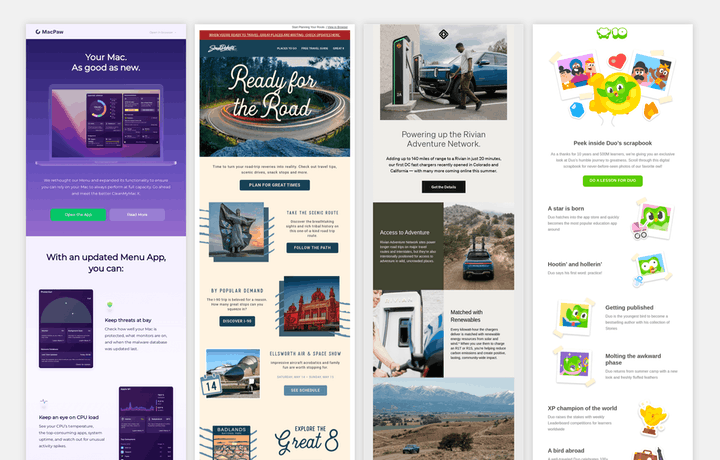
Examples of emails with various designs, but with content laid out in a similar way.

Modular design technique: using standard layouts

What do these emails have in common? They all use the same essential layout, each with completely different branded designs.

Various social icons, with a title of 'Share this email'.

Making your emails shareable

Adding share links and utilizing meta info.
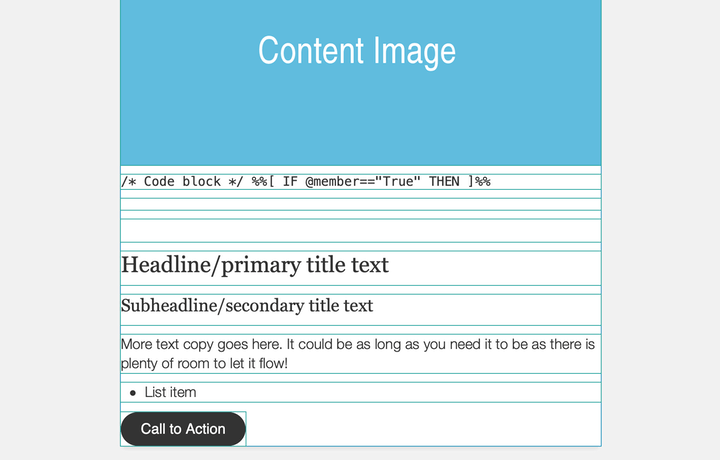
Screenshot of the Starter boilerplate template.

Starter modular email boilerplate

The framework we use for coding custom email templates that are accessible and lightweight, available as open source.
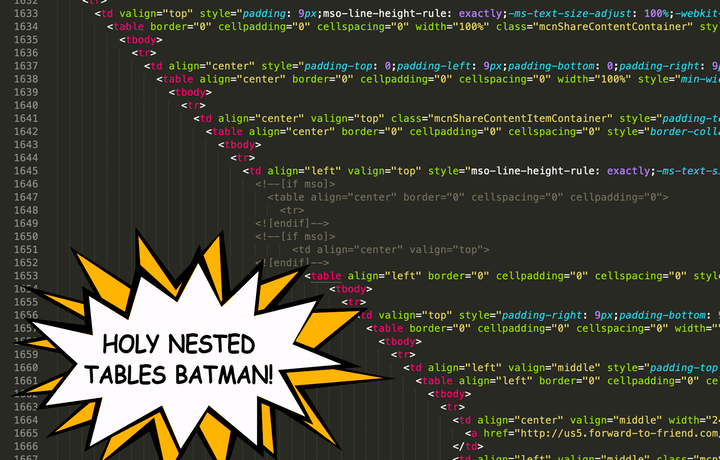
Screenshot of heavily nested code.

How visual email builders reinforce bad design practices

They primarily use outdated design practices that cause unintended issues and wasted effort.
A dumpster fire illustration with the Outlook logo on the side of the dumpster.

Dealing with Outlook

Email clients have improved email rendering throughout the years. Except for Microsoft Outlook. Here’s how to support it and keep your sanity.
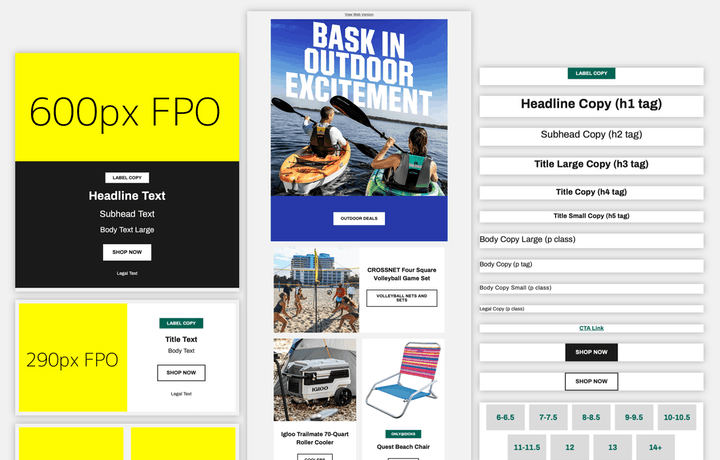
An example email template broken into its component types.

Modular design technique: components that work together

How DICK’S Sporting Goods designed their components to be reusable and plug into and along side each other.

A team collaborating on design workflows with floating overlays of abstract design concepts.

Organizing your email design process

3 steps towards systemizing your email’s production.
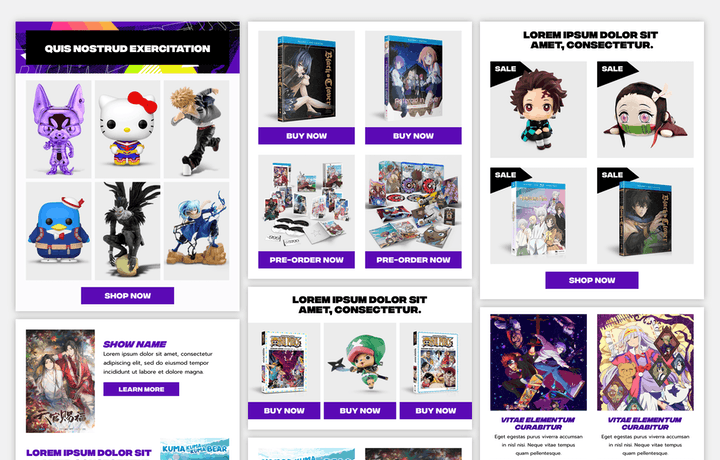
Examples of email modules that feature a collage of multiple products.

Modular design technique: creative collage layouts

How Funimation uses collage-based visuals to promote their wide range of shows and products.
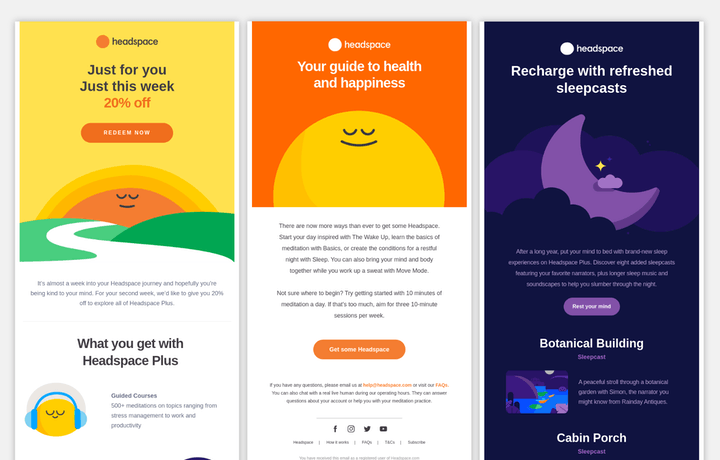
Three email examples from Headspace, each having different illustrations and colors that match them.

Modular design technique: utilizing color for tone

How Headspace uses different color palettes for their email content while keeping layout and formatting consistent.
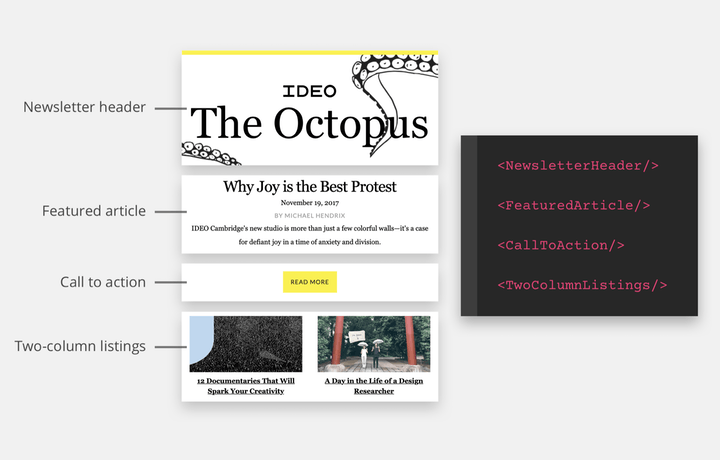
An example of modular design sections, each labeled and with code variable names.

What is modular design?

A framework for more clearly defining the language around your design system and templating techniques.
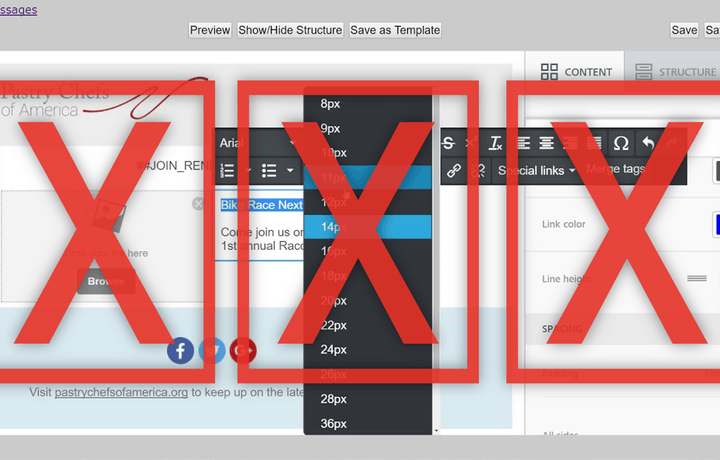
Three X's over complicated formatting options.

Why visual email builders are bad at email design

They have more options than you need, yet still have design and workflow limitations.

Abstract illustration of metrics for links.

Tracking links in email

The most important of email metrics, maybe the only thing you need.
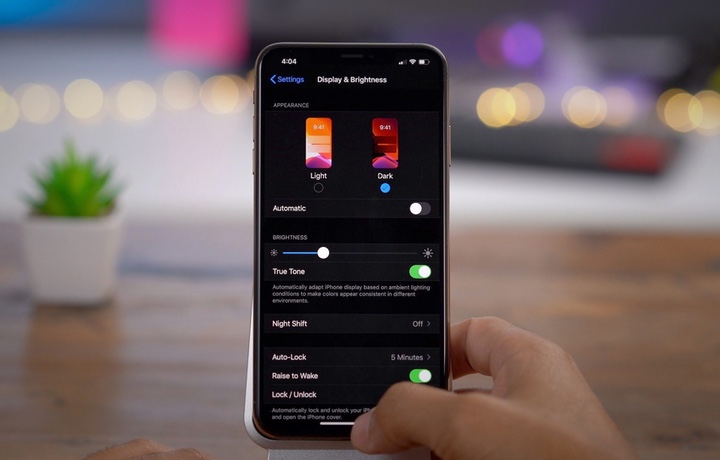
A view of someone changing the dark mode settings on their mobile phone.

Turning to the dark mode

Should you make your email design dark mode compatible?

Abstract illustration of accessibility aspects for sight and hearing.

Making accessibility a habit

Accessibility in email design doesn’t have to be an arduous task.

Abstract illustration showing two people holding a molecular structure with website-related icons on each molecule.

An email design system for your thoughts

Using a design system helps you better analyze your emails, streamline production, and iterate on strategy for your campaigns.

Photo of a hand holding a light bulb.

Clarity in messaging

How to stay on brand, hone your content craft, and make your writing memorable.

Various wodden blocks being stacked on top of each other by someone's hand, forming stairs going up.

The fundamentals of email content production

Like email being around for a long-time to come, so will these fundamentals.