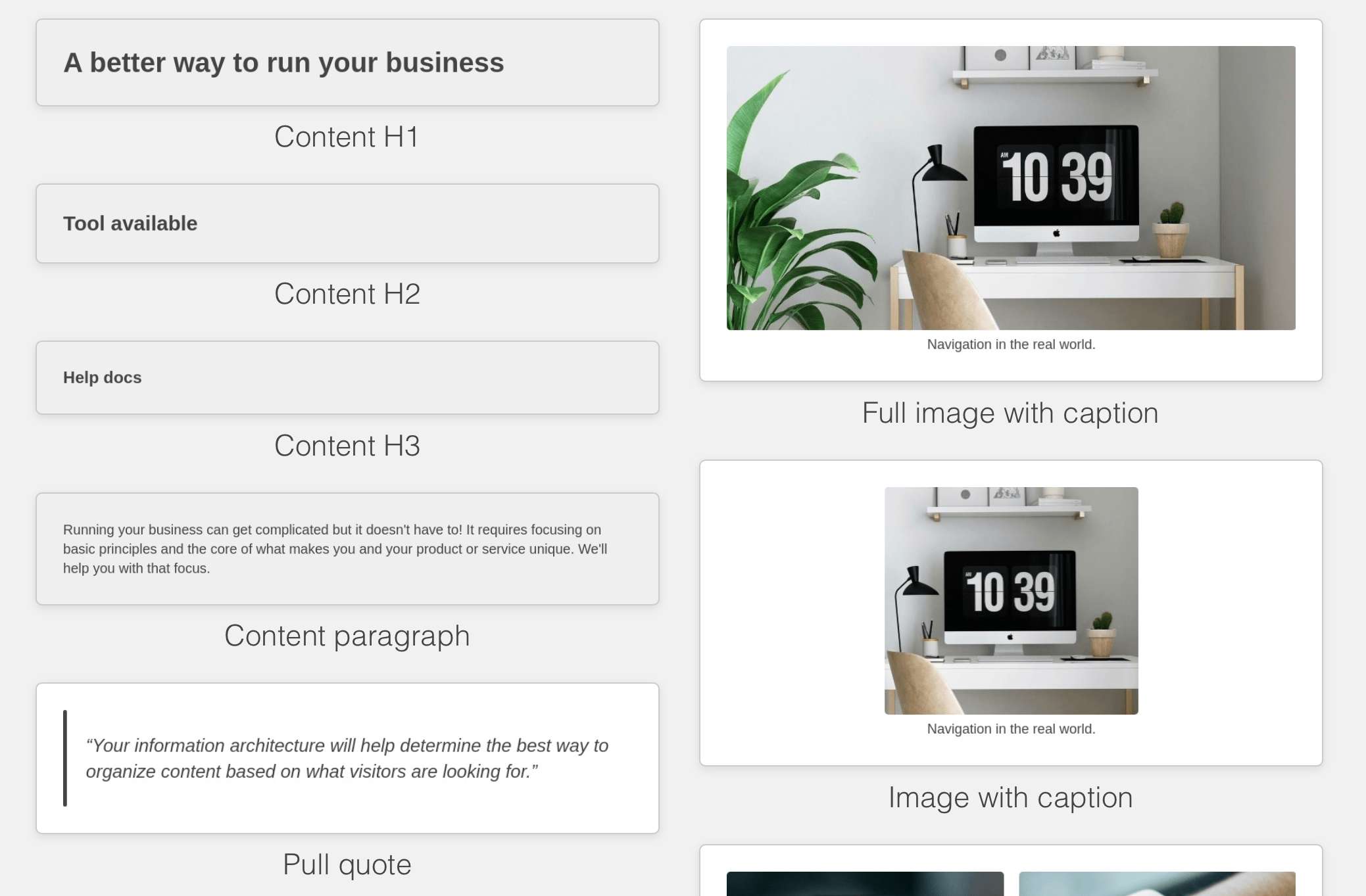
To setup up your Blocks Edit theme, just use your HTML design components. Blocks Edit templates utilize the single-HTML approach to setting up your design components, where your components are as close to real-world use as possible, as HTML components among other components. With placeholder content to provide guidelines for content.
The full package
Besides your HTML, you’ll want to include your external CSS file(s), any Javascript file(s) and template placeholder images, all at the root. And create a ZIP archive from them.
If you want to setup any preset layouts for page types, you can use the visual editor to build from your template components. Or, add a JSON manifest file.
Your workflow
Then use the visual theme editor to make your components drag and drop, and your placeholder content editable. Or tag your DOM elements manually with simple classes and attributes.
Editable tags work around your HTML so your code is kept intact and you're able to make updates to your design without it breaking along the way. The visual theme editor allows you to preview editing options that you enable.
To make updates to your design, you can always export your theme with editable tags in place around your HTML. You can also use the built-in code editor to make any changes. It's the easiest way to make design updates over time compared to other content management systems.
For design system examples, check out the Starter templates. Get started free, just import your HTML design and use the theme editor to make it editable.