Design Workflow Blog

Abstract illustration of metrics for links.

Tracking links in email

The most important of email metrics maybe the only thing you need.
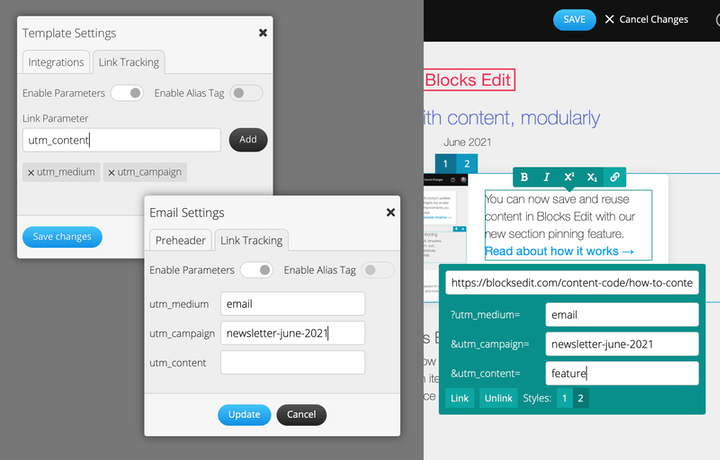
Screenshot of Blocks Edit link tracking feature.

How to: link tracking

Automatically append tracking parameters to your email URLs in Blocks Edit.
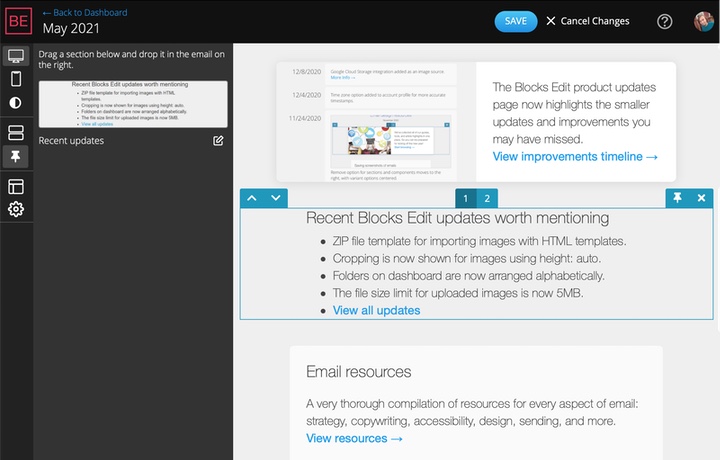
Screenshot of Blocks Edit section pinning feature.

How to: reusing content pieces

Working with content modularly in Blocks Edit.
Klaviyo and Blocks Edit

Blocks Edit update: Klaviyo integration

Use Blocks Edit with your Klaviyo ecommerce marketing solution.

ActiveCampaign and Blocks Edit

Blocks Edit update: ActiveCampaign integration

Use Blocks Edit with your ActiveCampaigns automation and segmentation features.
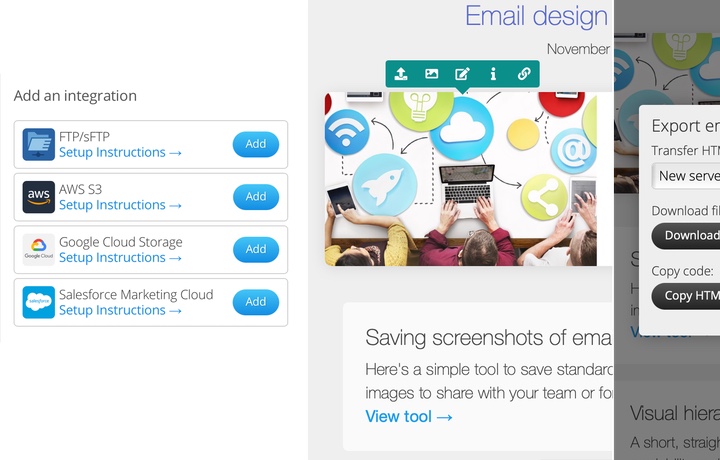
Screenshots of image options throughout Blocks Edit.

How to: using images

Working with images in Blocks Edit easily and automating common tasks.

Google Cloud Storage and Blocks Edit

Blocks Edit update: Google Cloud Storage integration

Use the Google Cloud Platform content delivery service with your emails.
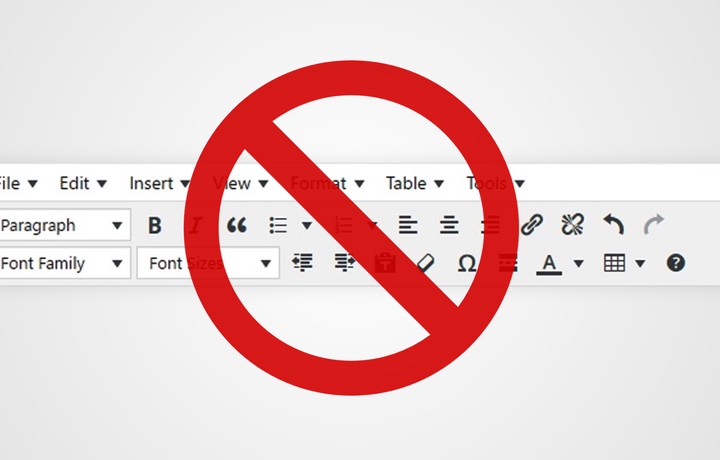
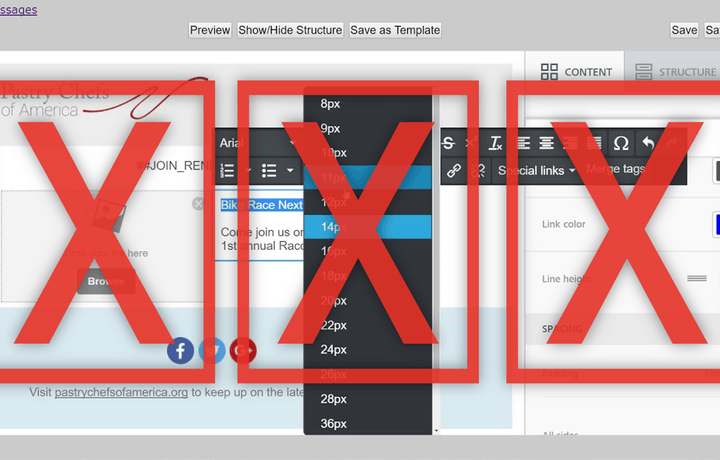
A bunch of text formatting interface options with a big red restricted icon over them.

How to: limiting text formatting options for better results

Text formatting options the Blocks Edit way.
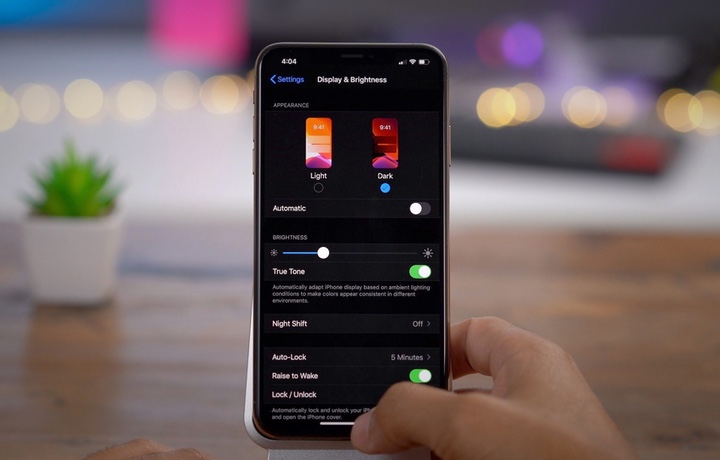
A view of someone changing the dark mode settings on their mobile phone.

Turning to the dark mode

Should you make your email design dark mode compatible
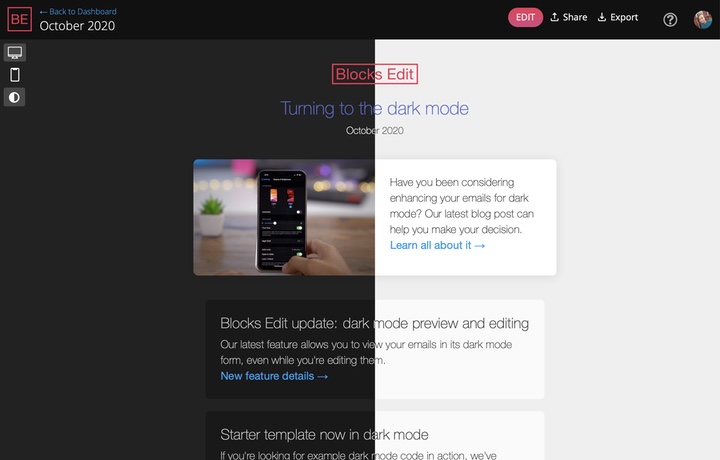
Screenshot of Blocks Edit in light and dark modes.

Blocks Edit update: dark mode preview and editing

View and edit your emails in dark mode.

Abstract illustration of accessibility aspects for sight and hearing.

Making accessibility a habit

Accessibility in email design doesnt have to be an arduous task.

Blocks Edit pricing with free solo option.

Blocks Edit now free for solo use

Free single-user plan 99month for teams with no user limit plus 30 day trial.

Abstract illustration showing two people holding a molecular structure with website-related icons on each molecule.

An email design system for your thoughts

Using a design system helps you better analyze your emails streamline production and iterate on strategy for your campaigns.

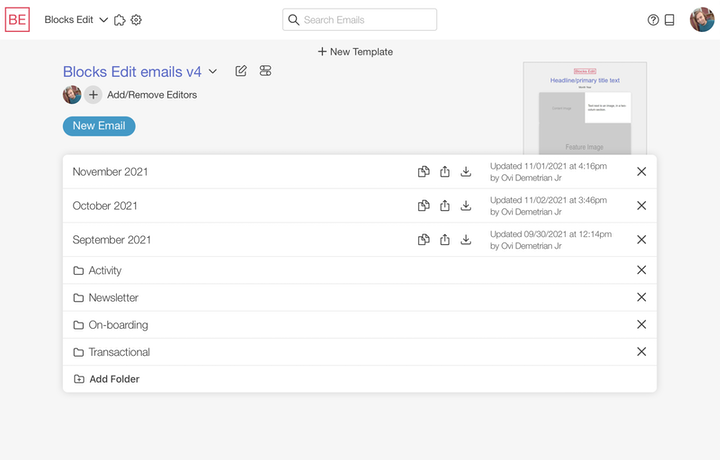
Screenshot of the sharing and exporting process in the Blocks Edit editor.

How to: sharing and exporting workflows

Sharing during editing and review and how export options work in Blocks Edit.

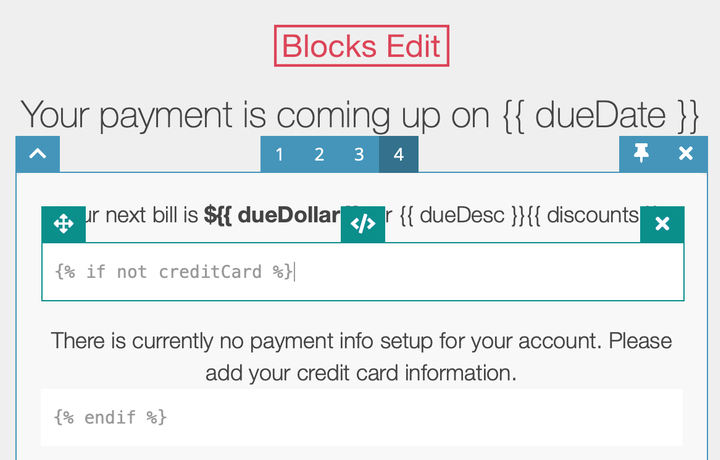
Screenshot of example code with Blocks Edit tags highlighted.

How to: using editable tags in your dev workflow

How Blocks Edit editable tags fit into any email development workflow.

Previous | 1 | 2 | 3 | 4 | 5 | 6 | 7 | 8 | 9 | Next