Design Workflow Blog

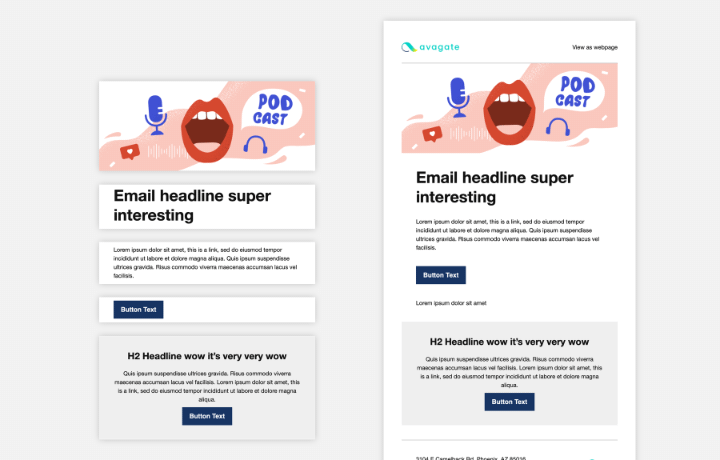
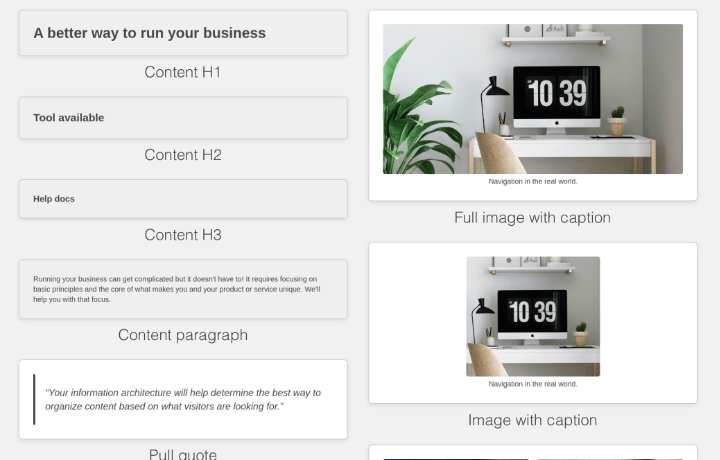
Example HTML design components.

How-to: the format for your design system

Your HTML design pattern library translated to a Blocks Edit theme.

Components shown separate, and used in a template.

Real-world design components

The case for a single HTML for your web design system pattern library.
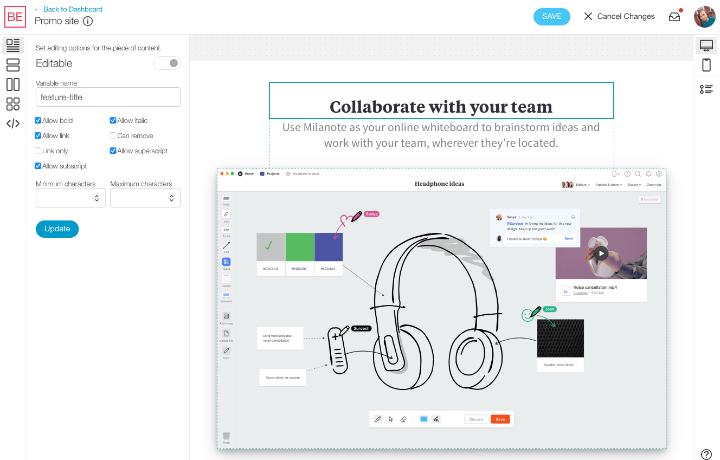
A screenshot of the Blocks Edit visual theme editor.

HTML design into content editing in minutes, no coding needed

Using the novel Blocks Edit visual theme editor to setup content management from your custom design.
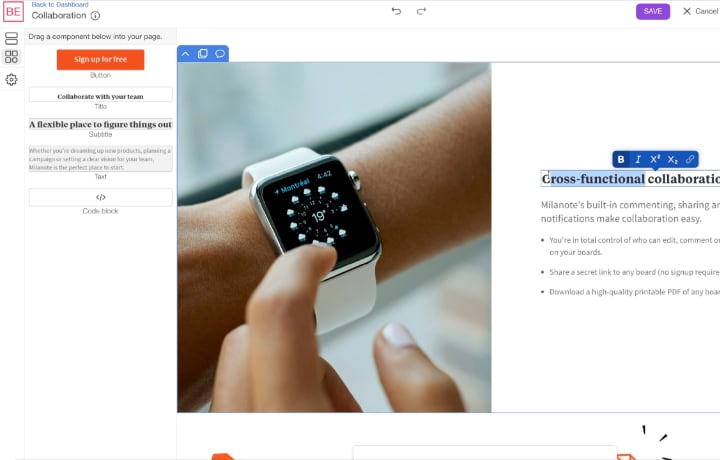
A screenshot of the Blocks Edit visual editor.

A unique approach to producing web content

Visual editing layouts and collections and team review options come together for an intuitive experience.

A screenshot of the data fields panel.

How-to: collections for blogs and articles

How to setup post types and listings without any coding.
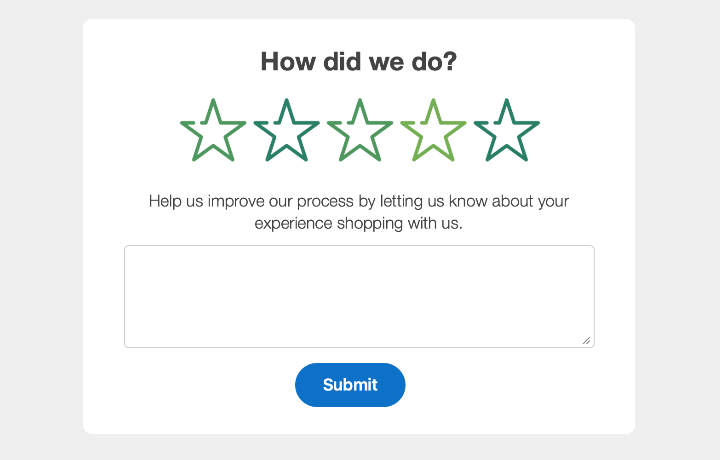
Example form with rating and feedback fields.

Email rating technique

Setting up a simple method for getting feedback from your userscustomers.

Abstract illustration of a ticking bomb in the middle of dependencies.

The website complexity trap

The technical debt of depending on frameworks and tooling for HTML and CSS.

A screenshot of adding a link in the visual editor, with the local page dropdown.

How-to: browse your site while editing

Browse pages and make edits in the editor before publishing.
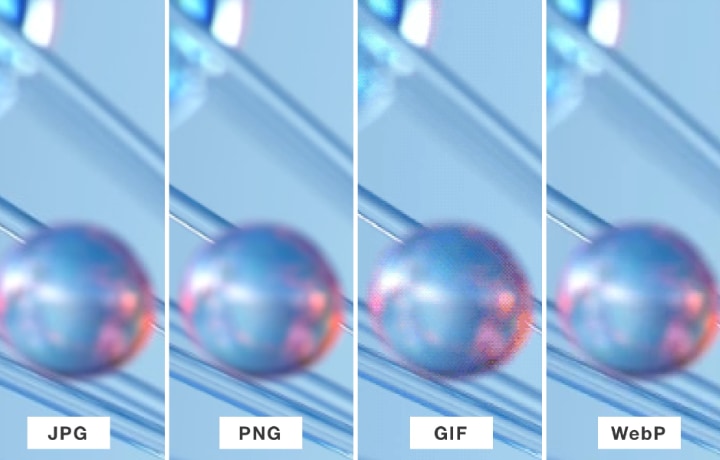
Quality comparison of the five compatible web image formats: JPG, PNG, GIF, WebP, and AVIF.

Using modern web images

Comparing compatible image formats and deciding which ones are best to use.

Abstract graphic of desktop, tablet, and mobile screen sizes.

Modern responsive image sizing

Determining when to use alternate responsive images with a simplified output using only the img tag.
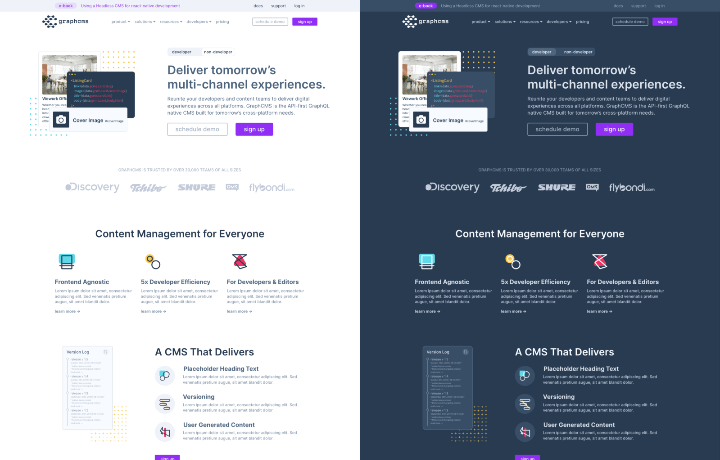
Example of a website in light and dark mode.

Dark mode made easy

Two key techniques to simplify your websites dark mode setup.
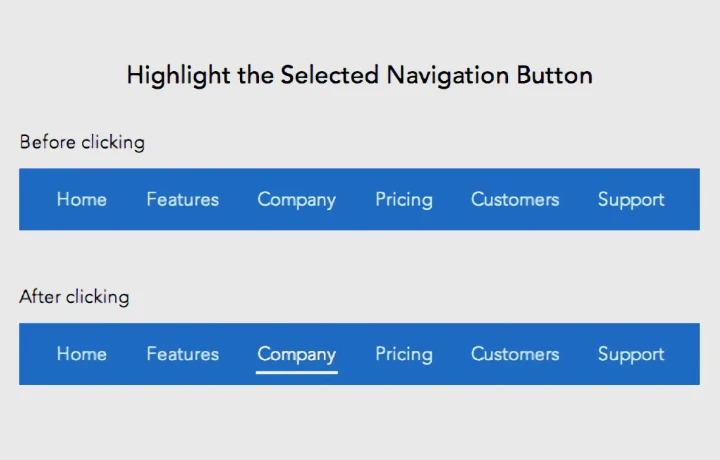
Example of an active state in a website's navigation.

Automated navigation active state

Simple Javascript snippet for automatically giving items a selected state.
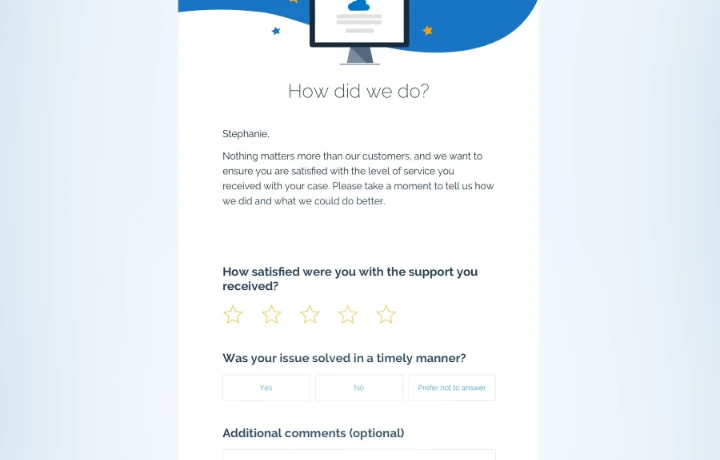
Example email with a feedback form.

When to use forms in email

Deciding to use a form in an email and the best way to do it.
Abstract illustration of a form with multiple steps.

Multi-step form without the overhead

Using built-in form GET method to pass data from one page to another without complicated code.

Examples metadata for sharing.

Essential metadata for sharing a page

The metadata options you need for social media and other apps.

1 | 2 | 3 | 4 | 5 | 6 | 7 | 8 | 9 | 10 | Next