Blocks Edit update: Salesforce Marketing Cloud integration
Make your SFMC assets accessible in Blocks Edit and let your team build and edit emails and export them to Content Builder.

Make your SFMC assets accessible in Blocks Edit and let your team build and edit emails and export them to Content Builder.
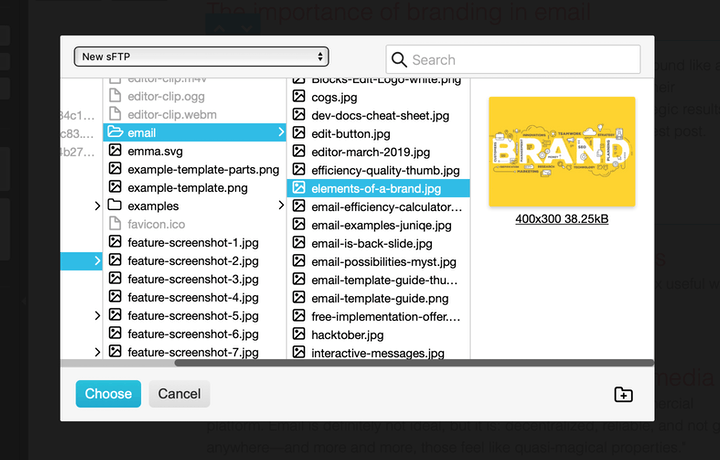
Add images from your remote server using Blocks Edit and export your email with image URLs automatically included.

Working together on a team based on maximizing the most valuable aspects of your skillset while allowing other team members to maximize what theyre good at.
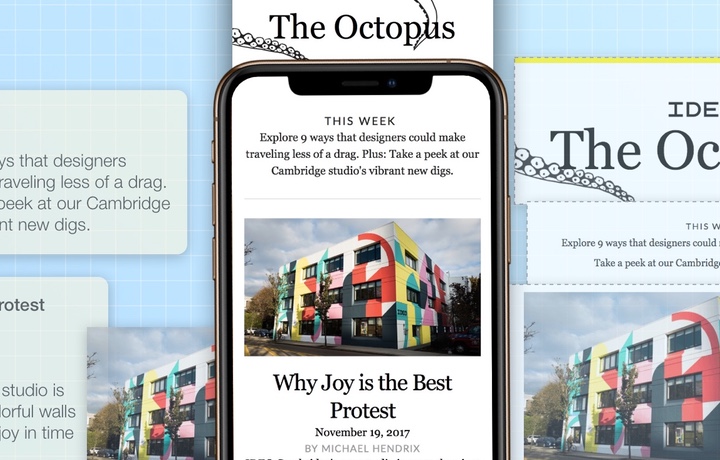
At least half of email opens now happen on mobile. So theres no longer an excuse to not enhance your emails for mobile
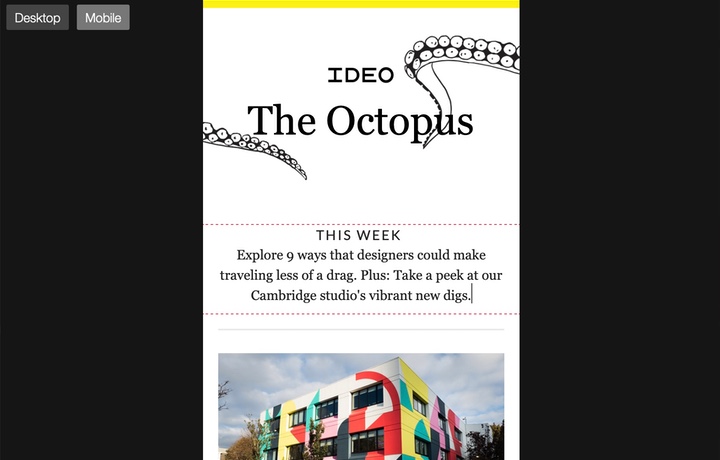
Our spring mobile-focused update allows adjusting the editor view to mobile and making edits while in it as well.

Branding and design aesthetics can sound like a fuzzy proposition but understanding their underlying principles can lead to strategic results.
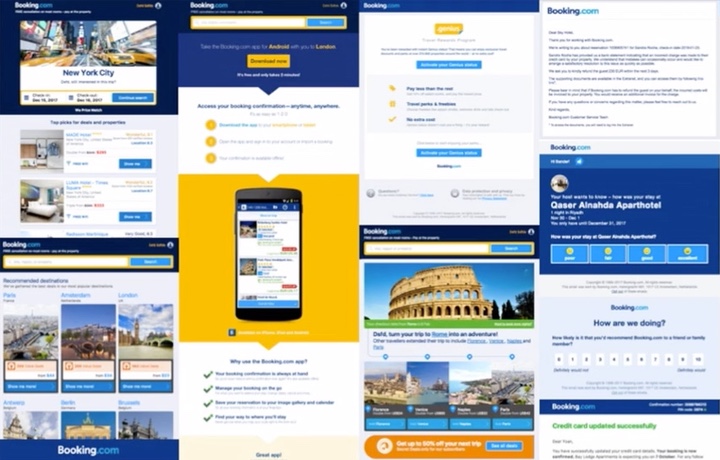
A big trend is the shift towards using a design system for email campaigns.
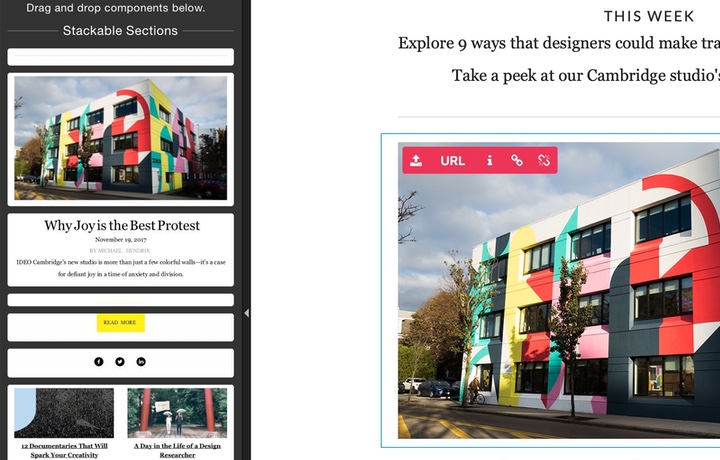
Were just wrapping up the second half of the year working on some new features that build on the core framework to make your template even more powerful.
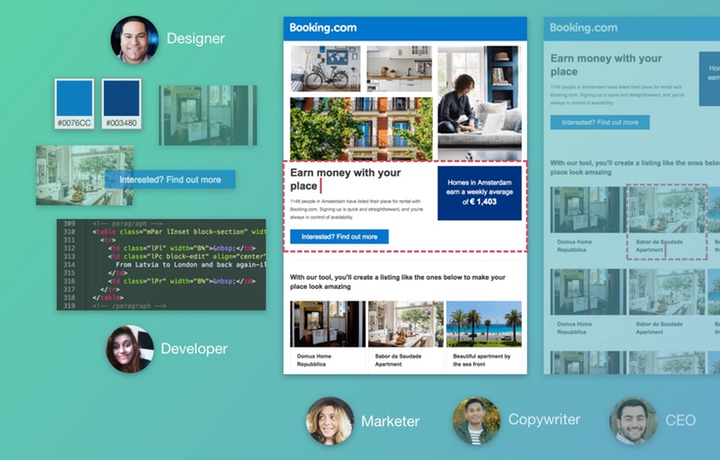
Design thinking is essentially both creative and analytical thinking working together holistically.

Im going to guide you through using the power of thinking about email templates modularly or in blocks.

It ultimately allows you to put together content in a way that feels more natural and come out with the best quality email each time.

It may be time to revaluate your production process and spend less time in the trenches.
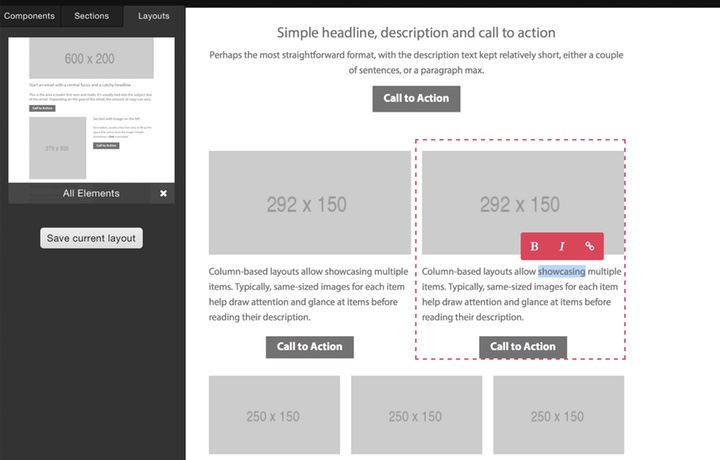
Our latest update is all about being able to make templates more customizable in very fundamental ways.
Based on initial feedback the first wave of updates built on the essentials and added some important functionality.

Blocks Edit is now live and ready for you to improve how you send out marketing campaigns.