Setup any custom design in minutes

Import your HTML design to have editing options added to content instantly, and use the first of its kind visual theme editor to setup drag and drop components
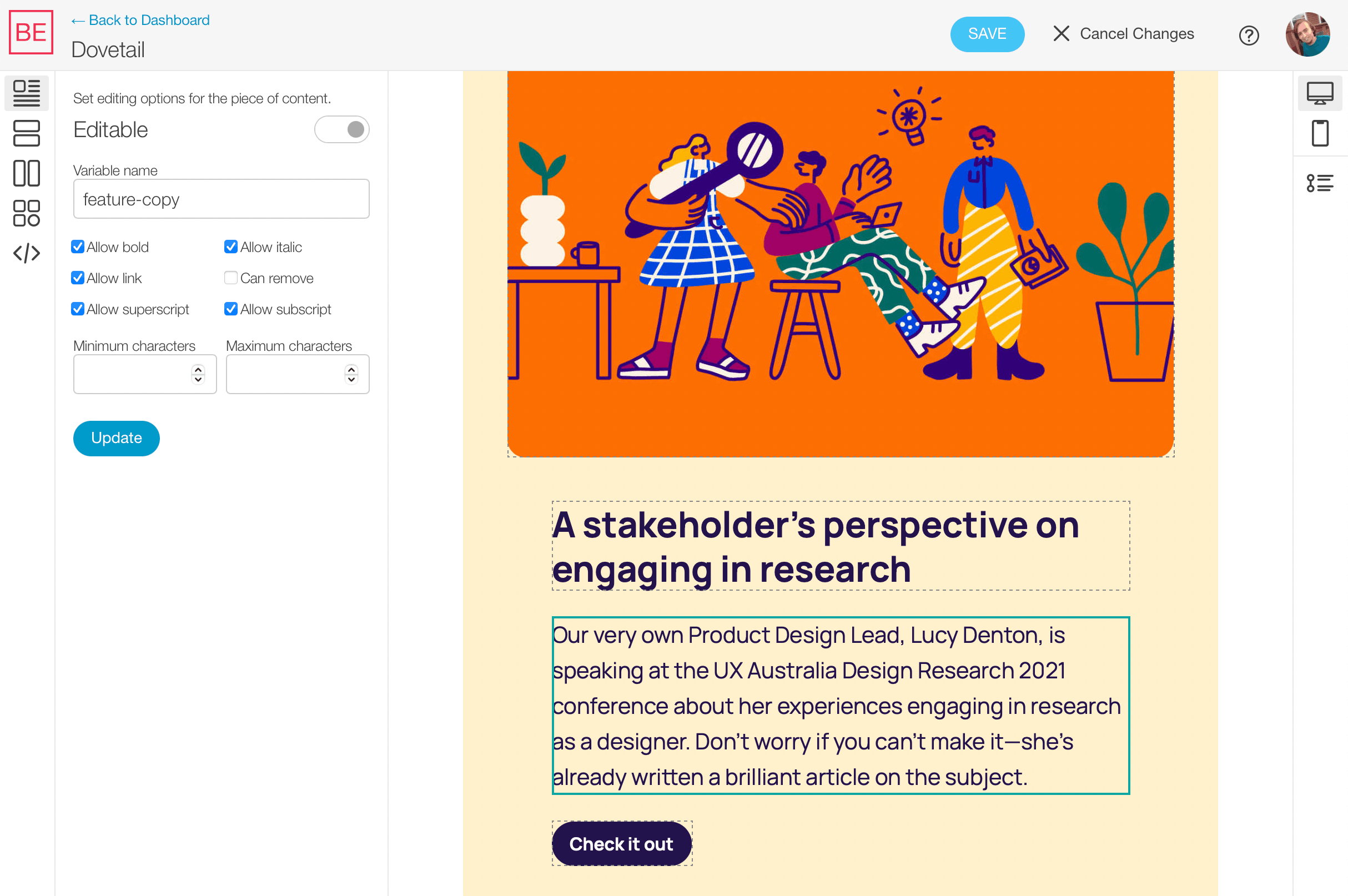
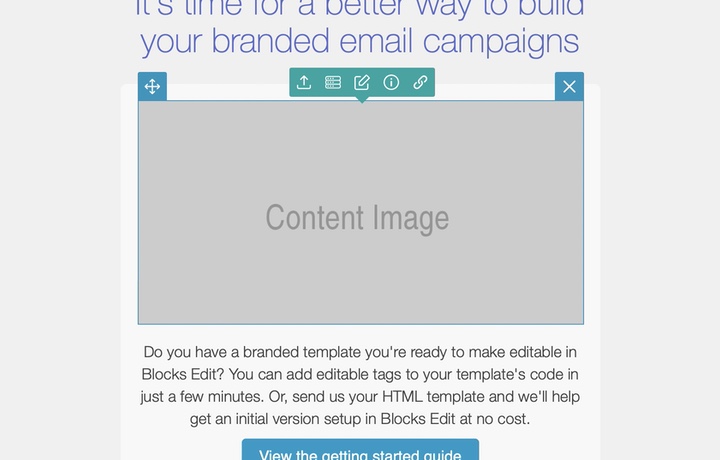
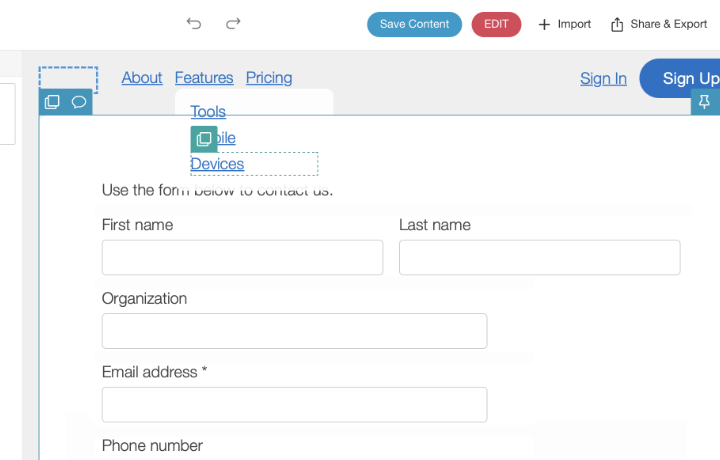
Editable text in the theme editor

How setup works

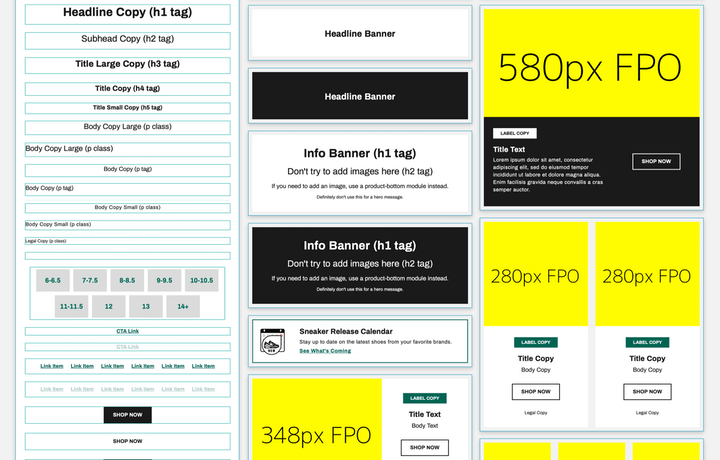
  1. Setup your HTML design with all of your components. Components should have placeholder example content. Everything should be in a single HTML file: header and footer, stackable sections between them, and components within sections.
  2. Import your HTML file and assets (as a ZIP archive) and content is instantly made editable. Use the visual theme editor to select content to adjust editable options and enable drag and drop components.
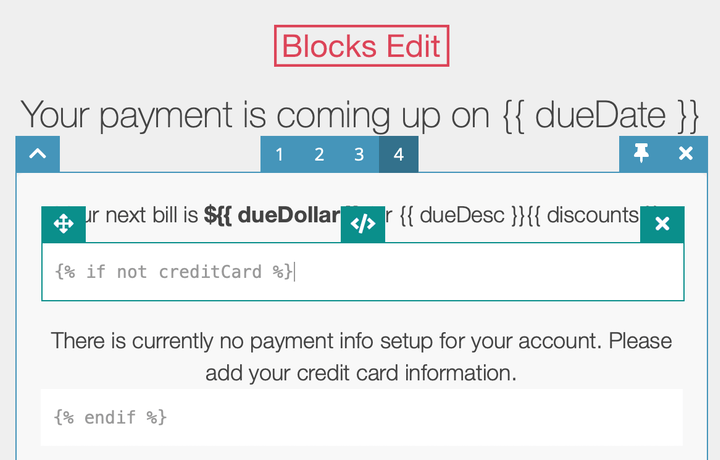
  3. Blocks Edit template tags are added as CSS classes and HTML attributes that don’t mess with how your code works or how your HTML design looks visually. Alternatively, you can add HTML classes and attributes to your code directly to enable editing options.
  • Examples

    Download templates with editing options enabled that you can refer to
    View theme examples

  • Docs

    A complete guide to the editing options you have available and the tags that are used for them
    Read the docs

Need help? Send us your HTML!

Email us the HTML for your design and we'll setup editable properties add it to your Blocks Edit dashboard to try out. At no cost!

Email us to get a working prototype for free

How to highlights

Learn more about the Blocks Edit approach to building and editing content.

Additional techniques and articles

Import your HTML design and make it visually editable in minutes.
Use Blocks Edit for free