
Notable features and improvements made to Blocks Edit
Get updates via email
View: All | Developer Notes

Updates page build process for dynamic content. More Info →
Adds listings functionality with field mapping of dynamic content. More Info →
Adds pagination for multiple pages of listings. More Info →
Adds option to start from a layout directly from the dashboard. More Info →
Adds custom fields to layout settings. More Info →
Adds share settings for disabling comments.

Adds ability to browse pages within visual editor. More Info →
Adds local pages dropdown for links. More Info →
Allows importing WebP, AVIF image files with automated sizing and compression. More Info →
Allows importing SVG image files. More Info →
Adds an optional Import to Dashboard button setting for theme preview.
Updates theme editor to show a blank state for theme preview.
Adds srcset compatibility for images, with automated image sizing and compression. More Info →
New Starter digital forms page components theme available on dashboard. More Info →
Adds option to export all emails and their assets.
A parent can be set to put template layout pages under for custom page types. More Info →
Friendly URL's are now used when publishing web pages
New Starter web page components theme available on dashboard. More Info →
Adds block-link tag for linking a multiple HTML elements More Info →
Importing theme allows external Javascript file(s) More Info →
HTML characters can be used in email preview text. More Info →
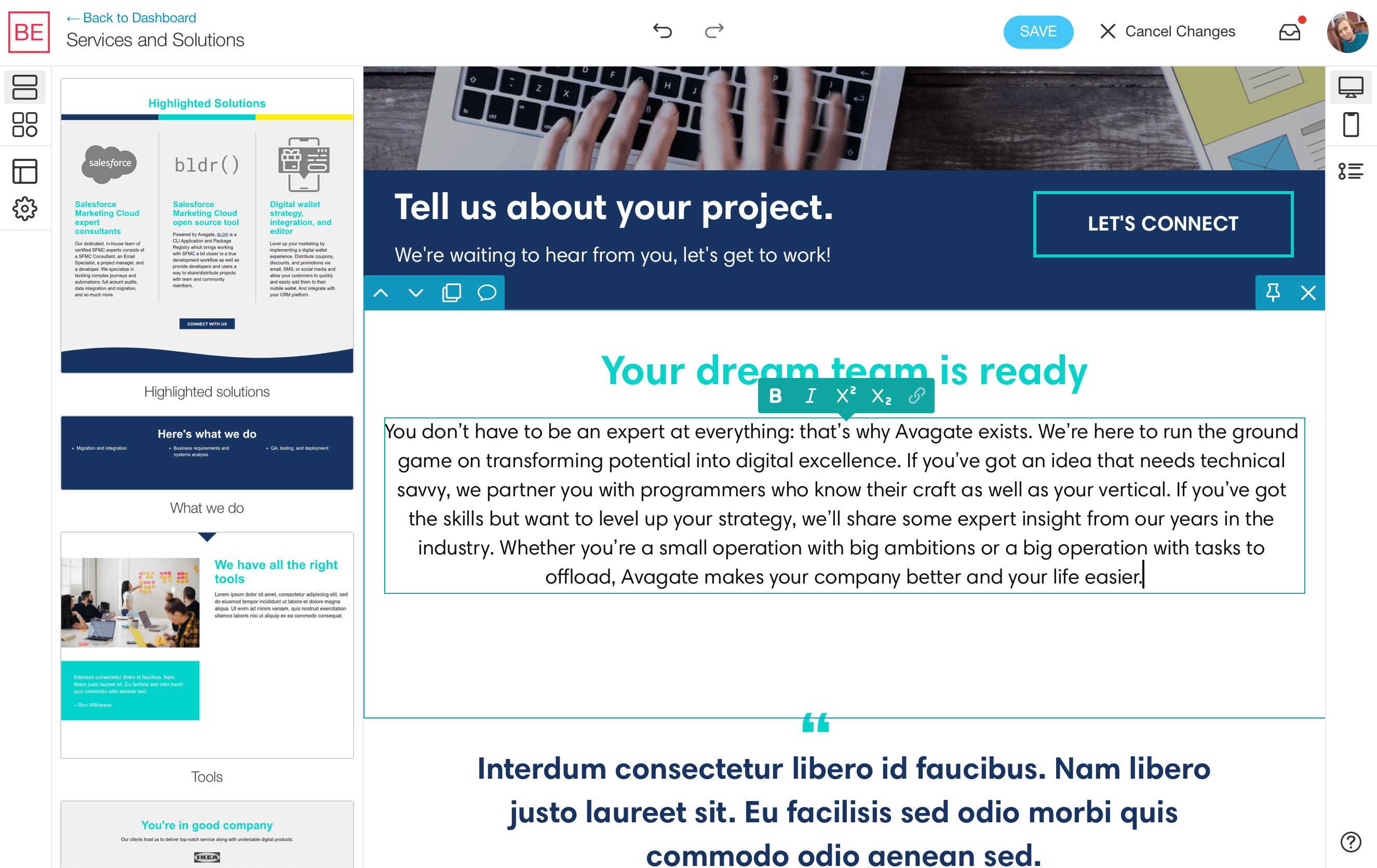
The novel Blocks Edit approach of an HTML-only content management system is here, now available for building and editing websites! More Info →
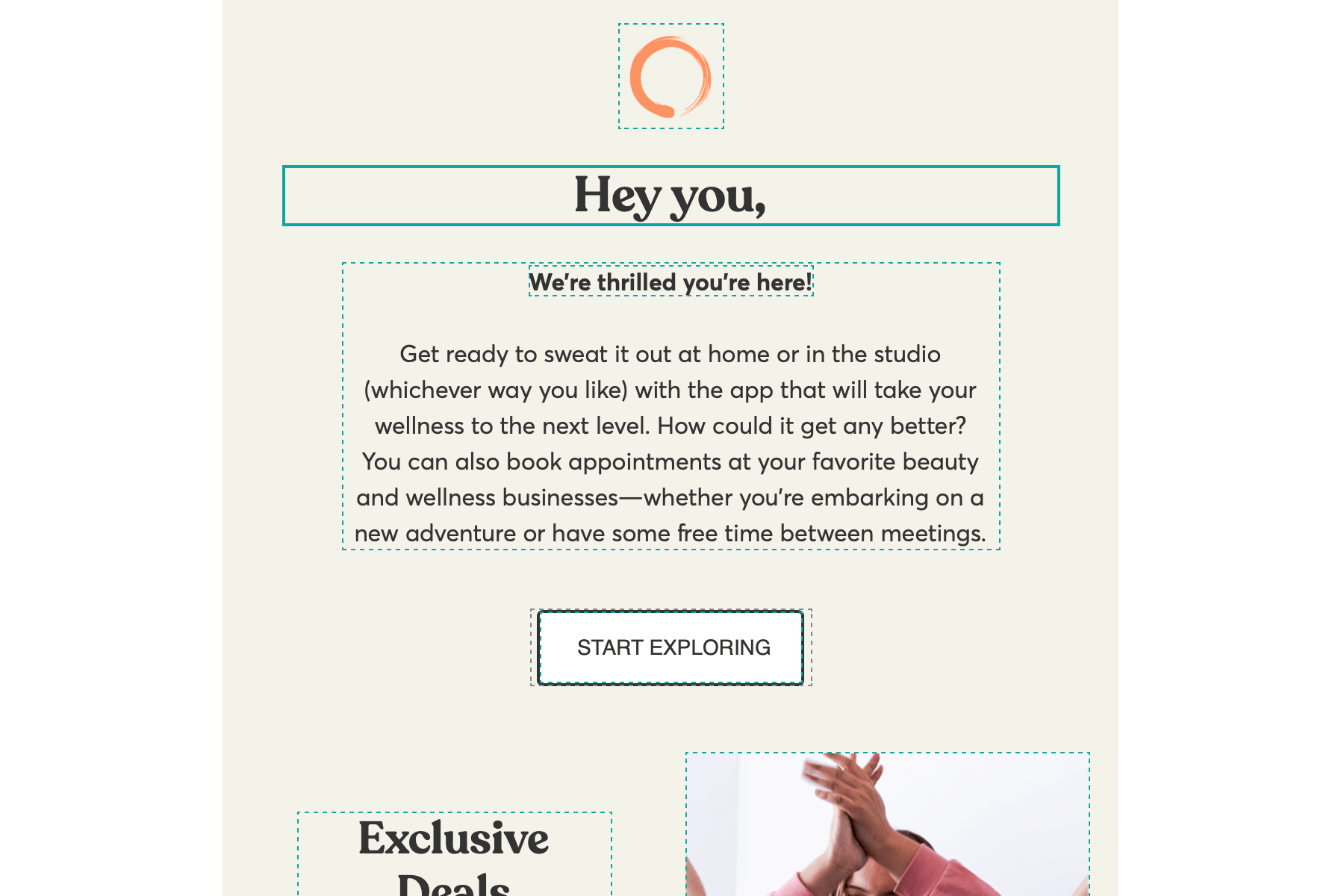
Importing any HTML now adds inline editing automatically so you can start making updates to content right away. More Info →
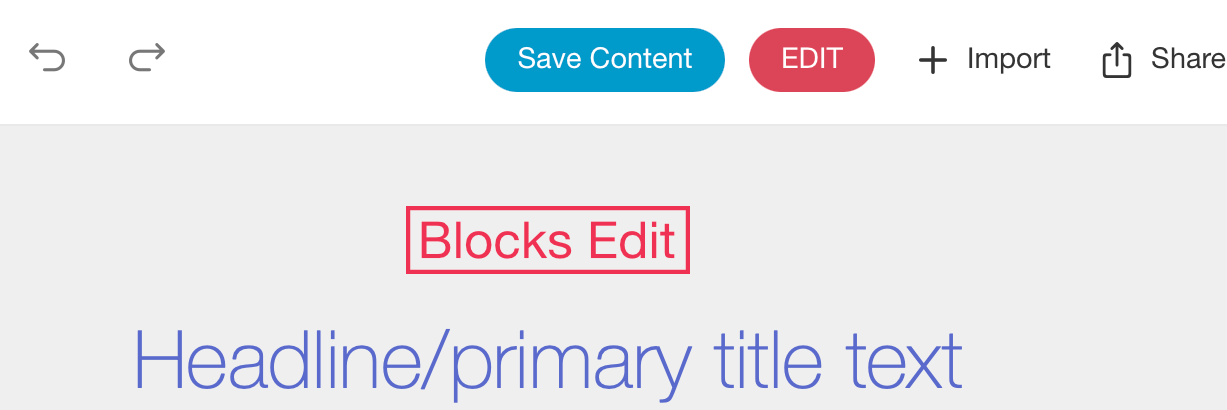
Added option to save content edits made in the visual theme editor that acts as default placeholder content.
Bulk exporting for pages, with direct to host publishing for all pages, or individual landing pages. More Info →
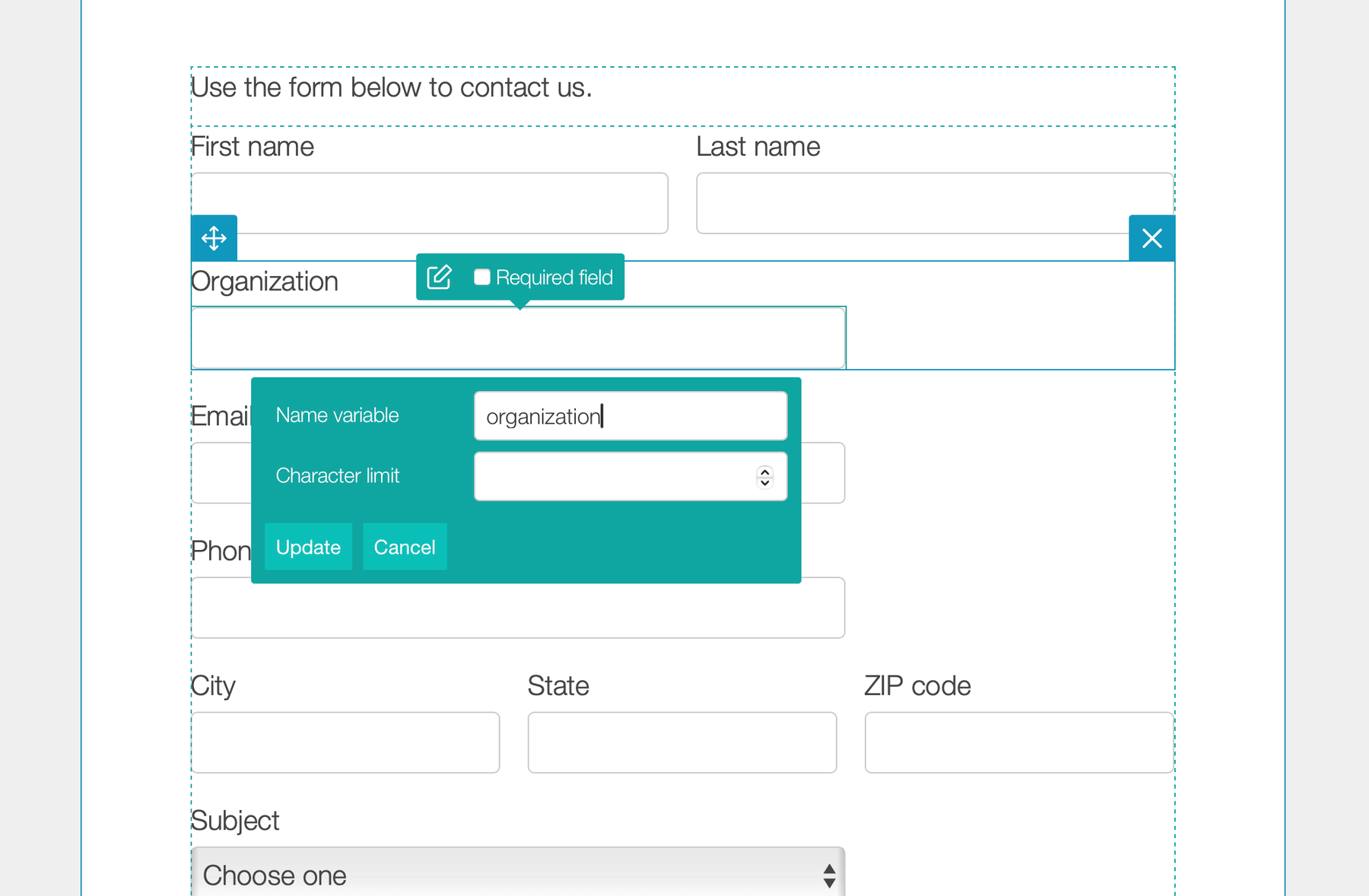
Use the visual editor to build and edit forms that match your brand and submit to any form processor. More Info →
A drop area for components can now be added. More Info →
Importing theme allows external CSS file(s). More Info →
Code block sections and components are now included by default. More Info →
Starter page boilerplate as a starting point for developing custom landing pages. More Info →
Release notes: 2025 | 2024 | 2023 | 2022 | 2021 | 2020 | 2019 | 2018 | 2017